
Does Kodi Work On Firestick
There are a lot of strengths if you use formal Kodi Addons such as the protection of the articles and legality because it comes from confirmed sources. Moreover, putting in official Kodi addons can be a lot easier to control in comparison to that of the unofficial addons. These are the ideal 3 official Kodi addons you can use in 2020:Just equivalent to the name of the addon, you may possibly guess what type of reveals this world-wide-web provider gives you.
USTVNow addon provides quite a few dwell Tv set channels that aired from the United states of america (United States of The us). You can love all of the exhibits without any nervous to fork out due to the fact they are all free of charge of cost. You can love it thoroughly devoid of constraints. USTVNow addon also offers the people with paid options so the users can enjoy more well-known Tv set exhibits, information channels and motion pictures from the United States of The us as nicely.
For the reason that this addon is a authorized and official addon in Kodi platform, so you can effortlessly uncover this addon on formal Kodi repository. Just variety the phrase “USTVNow” on the research button that you can locate on the top-remaining corner of the Kodi window. Immediately after you form the term “USTVNow”, Kodi application will clearly show you the addon’s title that you have typed on the display. Following, https://kodi.guru/ simply click on the addon’s name and immediately put in the net support. Remember to note that you have to develop an active account to set up this addon. Besides USTVNow, Formal Kodi repository supplies you with a good deal of official addons that provide amusement from confirmed sources.
- Why you should add kodi 17.4 on flame tv set field
- The best ways to set up kodi from zip data
- Ideas on how to put empflix on kodi
- Will kodi tasks while not vpn
- How to install channel pear on kodi 17
- Guidelines on how to search kodi sign very simple
- Just how do i purchase the kodi software xxtrucixx to operate
- How can one enhance ability of kodi
Will you cast kodi to roku
You only will need to click on on the name of the addons and allow the platform install these official addons for you there are iPlayer, Twitch, SoundCloud, Crackle, WWW, FilmRise, Youtube, Plex, PopcornFlix and other addons. Pluto Television is a hugely preferred web-based company that gives people with the ability to give reside-streaming and on-desire movies. Pluto Television set is developed to match the demands for younger audiences, which relies on confirmed sources this sort of as IGN, Nerdist and also World-wide-web Gold. You can also obtain numerous renowned Television channels from the United States of The united states, just like USTVNow. You can uncover Pluto Television set on formal Kodi repository.
Just form the identify “Pluto Television set” on the search button that you can find on the major-left corner of the Kodi window. Right after you kind the identify, Kodi application will exhibit the addon’s identify. Next, simply click on the addon’s identify and immediately put in the website provider. The set up procedure is clear-cut.
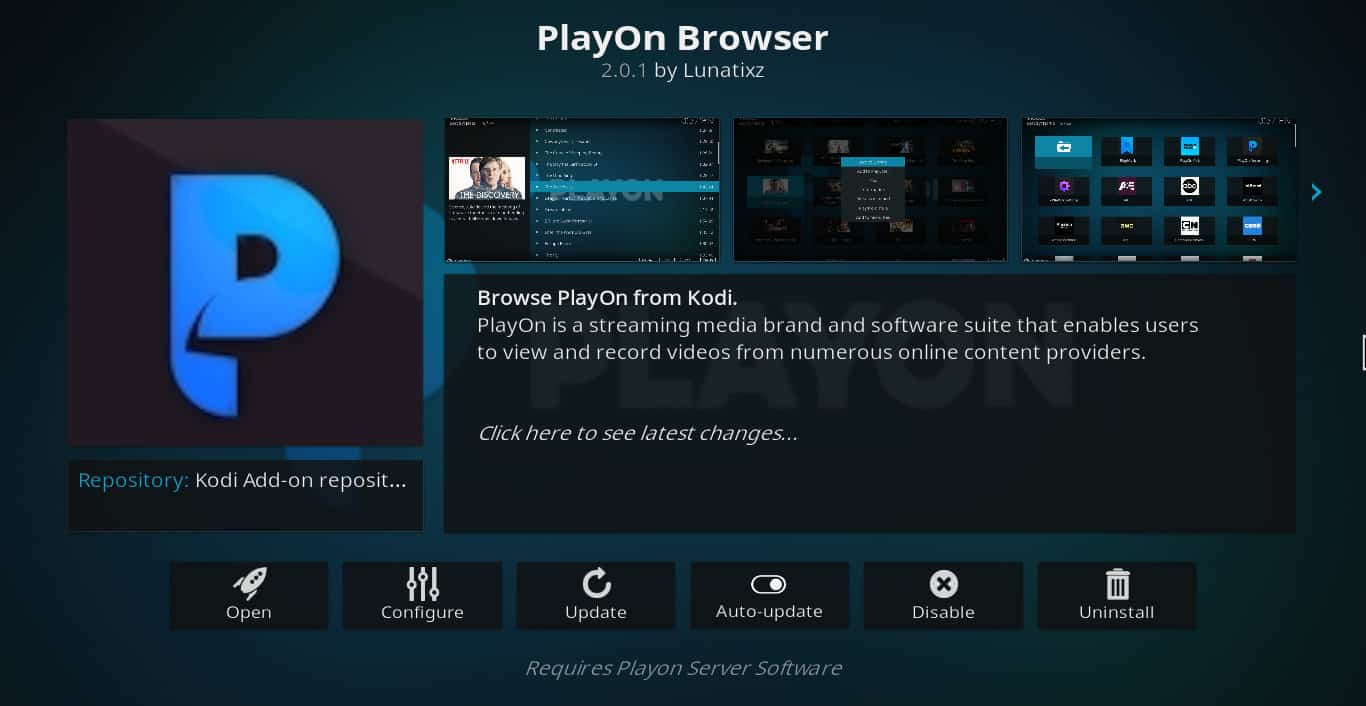
Soon after Kodi system correctly set up Pluto Television set addon, you can delight in loads of fantastic material. Moreover Pluto Television set, there other authorized incorporate-ons that you can come across in the official Kodi repository. You can set up iPlayer, Twitch, SoundCloud, Crackle, WWW, FilmRise, Youtube, Plex, PopcornFlix and other addons. Crackle. If you are a movie addict or somebody who likes to get entertain from motion pictures, Crackle is these a great option. You can get legal but cost-free movies every day from Crackle addons.
You don’t need to have to pay out for anything whenever you want to take pleasure in Television set exhibits, movies, or other incredible video clips from this web support. You only will need to research each displays you want to check out from this net services. Crackle is now owned by Sony and can be found very quickly as a result of the Search button due to the fact this world wide web assistance is a single of the confirmed addons in Kodi.
You can discover this verified insert-ons on official Kodi repository. Just variety the word “crackle” on the look for button that you can uncover on the top rated-left corner of the Kodi window. After you form the phrase “Crackle”, Kodi application will display you the addon’s title that you have typed on the screen.